
Direct a shot with words
Start with a subject and an action. Add camera movement and sound cues to shape a single MAGI video.
Watch a 1080p clip with sound and compare it with the prompt that set the camera move, lighting, and audio. Generation access will open later.
Start with a subject and an action. Add camera movement and sound cues to shape a single MAGI video.
Use a product photo, illustration, or storyboard frame as the starting composition. Describe what should move and how the shot should unfold.
Use 16:9 for a storyboard or 9:16 for vertical social video. Four additional aspect ratios include square and ultrawide.
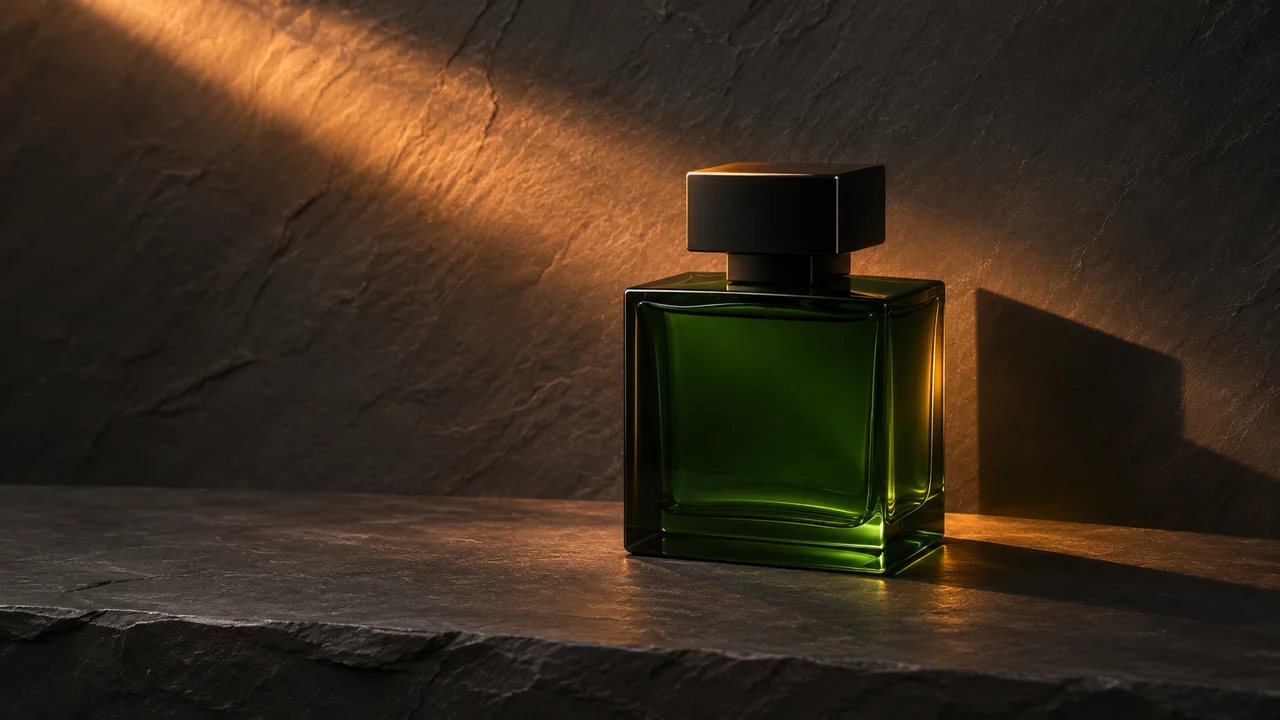
Move a light across a package or slide past a texture for a short opening shot.
Try a camera move and see whether it fits the pacing of your next scene.
Frame one clear action at 9:16 for a teaser, reel, or short.
Watch how MAGI-2 follows a glassblower at work as the glowing glass changes shape. The clip includes sound.
Source: NanoAPI MAGI-2 examplesWrite what the viewer should see and hear, or set a first frame before you write the motion.
MAGI-2 supports 4–30 second clips and six aspect ratios. The example uses four seconds and 16:9.
Play the brass lens clip and use the prompt to follow the camera move, moving highlight, and mechanical click.
Yes. MAGI-2 is the video model from Sand AI. Magi-2 Video is an independent site that runs the model through NanoAPI.
The example is a 1080p MP4 with sound, made from a text prompt. MAGI-2 also supports a single image as the first frame.
NanoAPI typically estimates 13–17 minutes for four seconds and up to around 20 minutes for a 30-second clip. Queue times can add to the wait.
You can watch the example and explore the controls now. Video generation and credits will open later.
Describe the subject, action, camera move, and lighting. Add one sound cue, such as rain on a window or the click of a switch, when it helps set the scene.